
 Čeština
 Deutsch
 Español
 Polski
 Français
Transitions where the cuts are
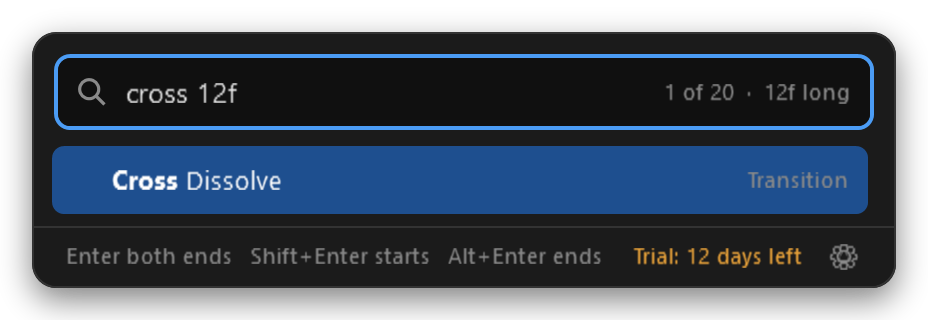
Pick a transition and it goes on both ends of every selected clip, one per cut. ShiftEnter puts it on starts only, AltEnter on ends. Add a length as you type: dip 8f, cross 0.5s.
 Effector
Recommended by
For Adobe Premiere Pro · Windows
Select clips, press CtrlEnter, type a few letters, press Enter. Effects, transitions and presets land on every selected clip, and one CtrlZ takes them back.
Windows 10 or 11 · Premiere Pro 25.6 or newer · works offline
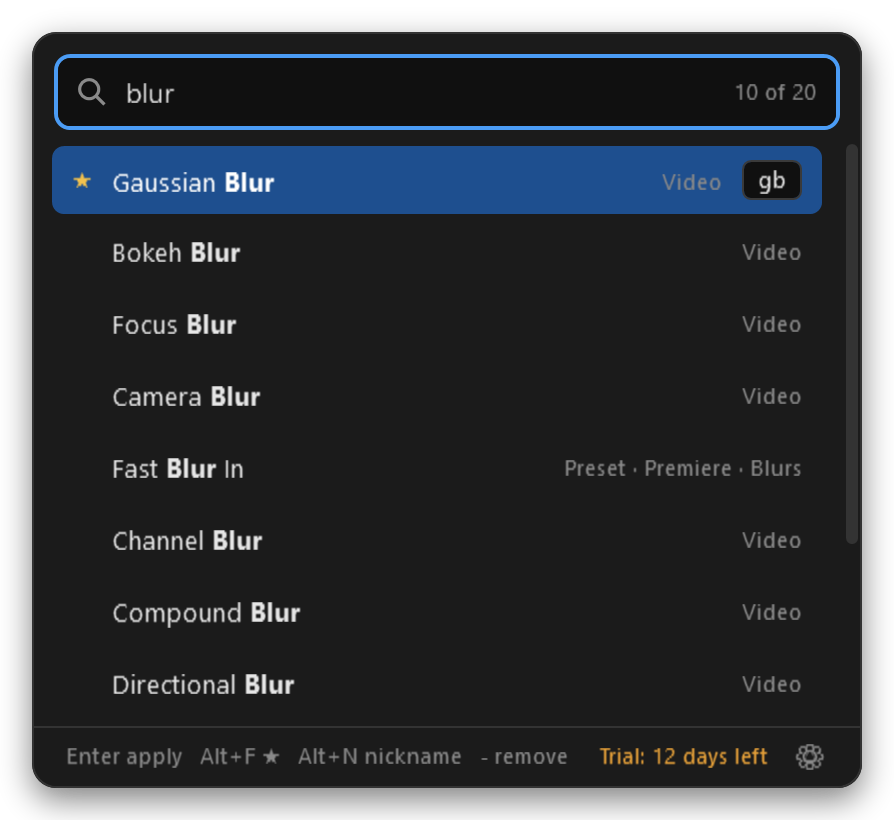
On the timeline, as usual. One clip or fifty.
A small search opens right at your mouse. gb finds Gaussian Blur, cross 12f a 12-frame Cross Dissolve.
Done, on every selected clip. Changed your mind? CtrlZ undoes the whole thing.
Pick a transition and it goes on both ends of every selected clip, one per cut. ShiftEnter puts it on starts only, AltEnter on ends. Add a length as you type: dip 8f, cross 0.5s.
Effector reads your saved presets and Premiere's own, then rebuilds them on your clips with every setting and keyframe, anchored the way you saved them.
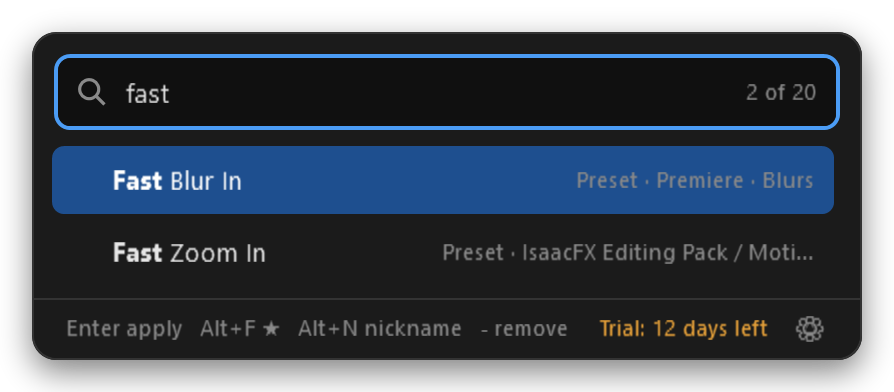
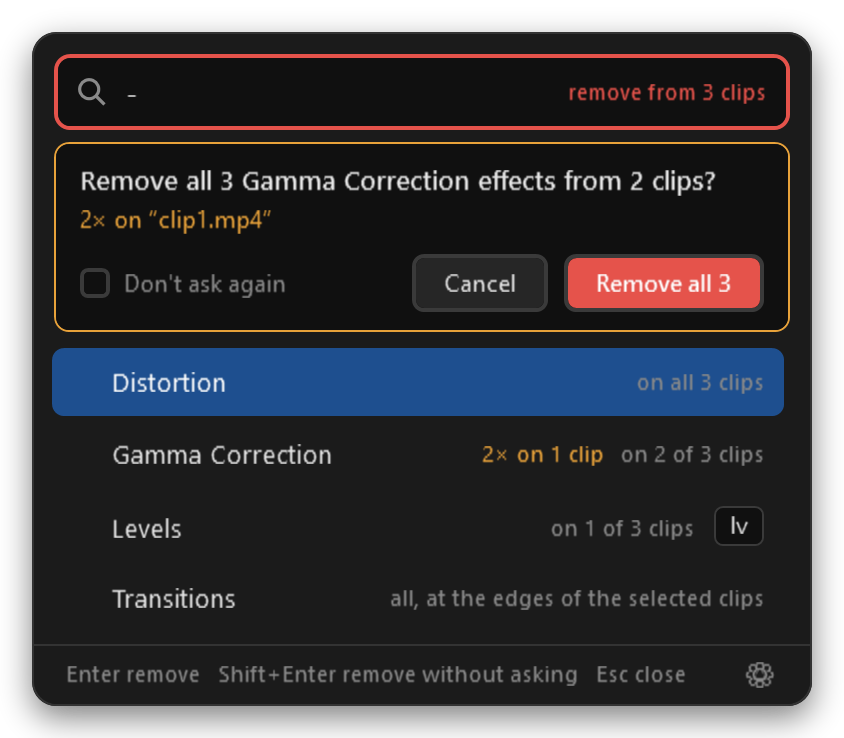
Type - and Effector lists only what's on the selected clips. Pick one and it's gone from all of them. If a clip has it twice, Effector asks first.
AltF stars an effect. Starred and recent ones are waiting before you type.
AltN names it your way. Type the nickname, it's first.
gb finds Gaussian Blur, letters in order match too, accents optional. Any Premiere language.
Pick any key combo. Effector warns if Premiere already uses it.
One undo per action. Fifty clips, one effect: one CtrlZ. Presets that add effects take two.
Only adds what you pick. Effector never touches anything else on your clips.
No internet, no tracking. It talks only to Premiere on your own computer. Your licence is checked offline.
Never in your way. The shortcut only listens while Premiere is in front, and it isn't a keylogger.
€10
One-time purchase. Your licence key arrives by email.
Buy Effector Download the 10-day trialSales open soon.
The trial download is paused at the moment. Please try again later.
Premiere Pro 25.6 or newer on Windows 10 or 11. Effector uses Premiere's modern plug-in system, which arrived in 25.6.
Not yet. It's planned.
A small Premiere plug-in, which adds and removes effects, and the Effector app, which owns the shortcut and the search window. Premiere plug-ins aren't allowed to open a window on a keystroke, so the app does that part. One installer sets up both, and uninstalling removes both.
Windows shows that for programs it hasn't seen many times yet. Click More info, then Run anyway. The installer never asks for administrator rights.
Yes. Every effect and transition installed in Premiere shows up, third-party ones included, plus your own presets.
Open Effector's settings (the ⚙ in the search window, or the tray icon), paste the key from your email and press Activate. No account and no internet needed. After the 10-day trial, Effector opens this window for you.